
Dec 03 2022 · Aleksandra Płońska, Piotr Płoński
Jupyter Notebook in 4 flavors
Compare 4 Jupyter Notebook flavors: Classic Notebook, JupyterLab, RetroLab, and JupyterLite, with practical use-case guidance.
Compare 4 Jupyter Notebook flavors: Classic Notebook, JupyterLab, RetroLab, and JupyterLite, with practical use-case guidance.

Learn 9 ways to set colors in Matplotlib and improve chart readability with practical examples for Python visualizations.
Pandas, a popular data manipulation library. It offers three methods to obtain row counts from a DataFrame. The article explores these approaches.
Learn 3 practical ways to convert Jupyter Notebook to Python scripts, including GUI export, nbconvert, and jupytext workflows.
Explore the pyTZ Python package, a implementation of the tz database, to list 594 available timezones. Learn how to access and utilize timezones beyond the tz database.
Discover how to save Matplotlib plots in Python using 14 different formats. This guide helps you save plots in various file types for Python scripts and Jupyter Notebooks.
Learn 2 reliable ways to save and load scikit-learn models in Python for reproducible training and deployment workflows.

Convert your Jupyter Notebook presentation to an interactive presentation using the nbconvert tool and Reveal.js library.

Learn 3 ways to change figure size in Matplotlib and improve chart layout for notebooks, reports, and dashboards.
Securely share your Jupyter Notebook analysis with selected individuals by learning three methods to add password protection. This ensures access only for authorized users to your valuable content.
Convert Jupyter Notebook presentations, created with Reveal.js for interactivity, into PDF slides. Explore two methods to easily export and share your data-rich presentations in a portable format.
Learn 4 ways to run Jupyter Notebook from the command line, including execution, parameterization, and automated reporting workflows.
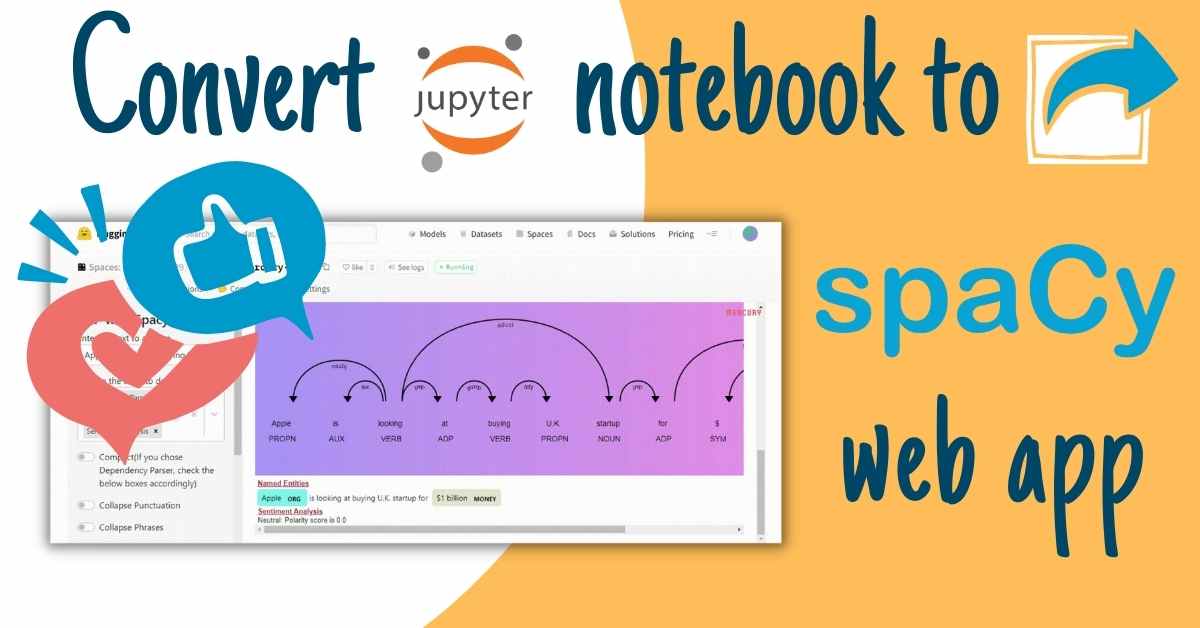
Learn how to convert a Jupyter Notebook into a spaCy NLP web app with Python, including deployment and interactive workflow steps.
Learn three simple ways to hide code in Jupyter Notebook presentations, making it easy to share data-rich results without intimidating non-technical stakeholders with code.

Learn how to create parameterized presentations from Jupyter Notebook and build interactive slides powered by Python.
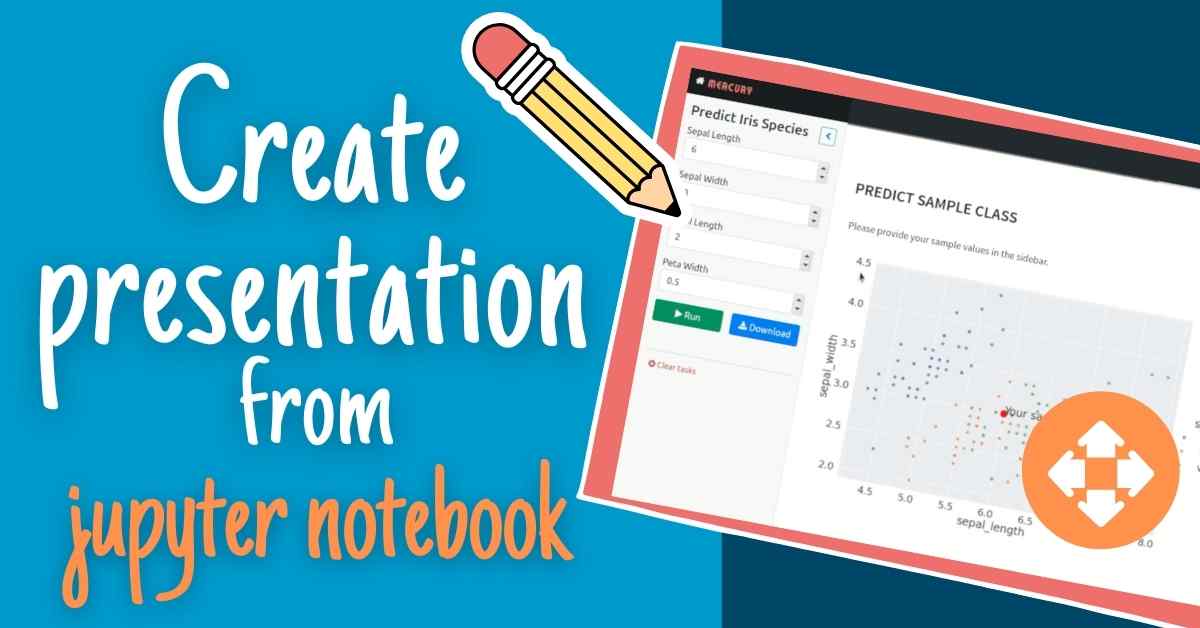
Learn how to create presentations from Jupyter Notebook and share data stories with charts, code, and narrative slides.

Learn how to schedule a Jupyter Notebook to run daily and automate reporting workflows with Python tools.

Learn five ways to schedule Jupyter Notebooks for regular updates, enabling easy sharing with your team. Explore options like local/cloud execution, UI, export to HTML/PDF, email sending, and more.
Share Jupyter Notebooks with non-technical users using HTML. Serve as a static website or send via email. Explore three simple ways to convert Jupyter Notebook to HTML.

Learn how to build automated PDF reports in Python with Jupyter and Mercury, including scheduling, charts, and email delivery workflows.

Learn how to detect and monitor data drift in Python with a dashboard workflow for reliable model performance over time.
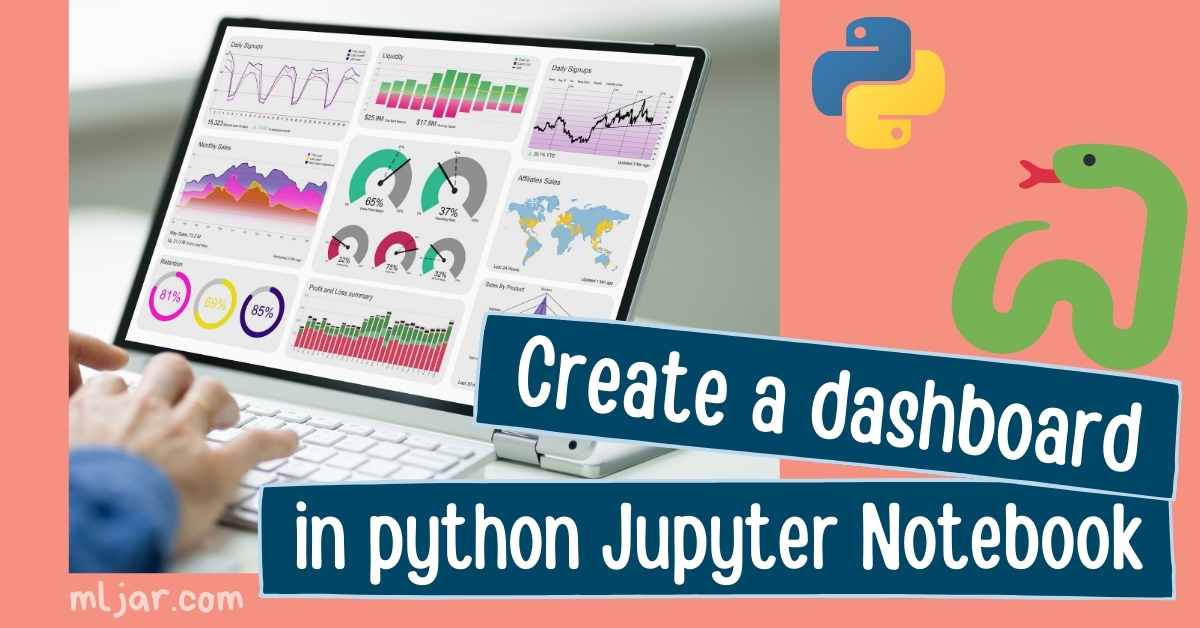
Learn how to create a dashboard in Python with Jupyter Notebook, including interactive components and sharing options.

Easily send emails from Python using the send_email() function, simplifying the process with built-in packages smtplib and email. Ideal for automation and notification applications.
Jupyter Notebook, a powerful tool for code and Markdown mixing, offers fast feedback for data analysis. This article explores various ways to install Jupyter Notebook on your local machine.
Build a Python dashboard with automatic updates, data monitoring, and notifications using Jupyter Notebook and Mercury.
Hide the Python code in your Jupyter Notebook to share results with non-technical users. Learn various approaches in this guide to make your analysis more accessible and less intimidating.
Enhance your Jupyter Notebook with visual appeal by learning various approaches to insert images. This post guides you on making your notebook more informative and attractive with inserted images.
Export your Jupyter Notebook to a PDF file using four different methods. PDF, a versatile format, allows easy sharing across operating systems. This post guides you through the exporting process.

Learn practical ways to share Jupyter Notebooks with non-programmers, including static exports and interactive web app options.

Style your Jupyter Notebook text effortlessly with Markdown or HTML syntax. Enhance your computational documents by blending code with formatted text.
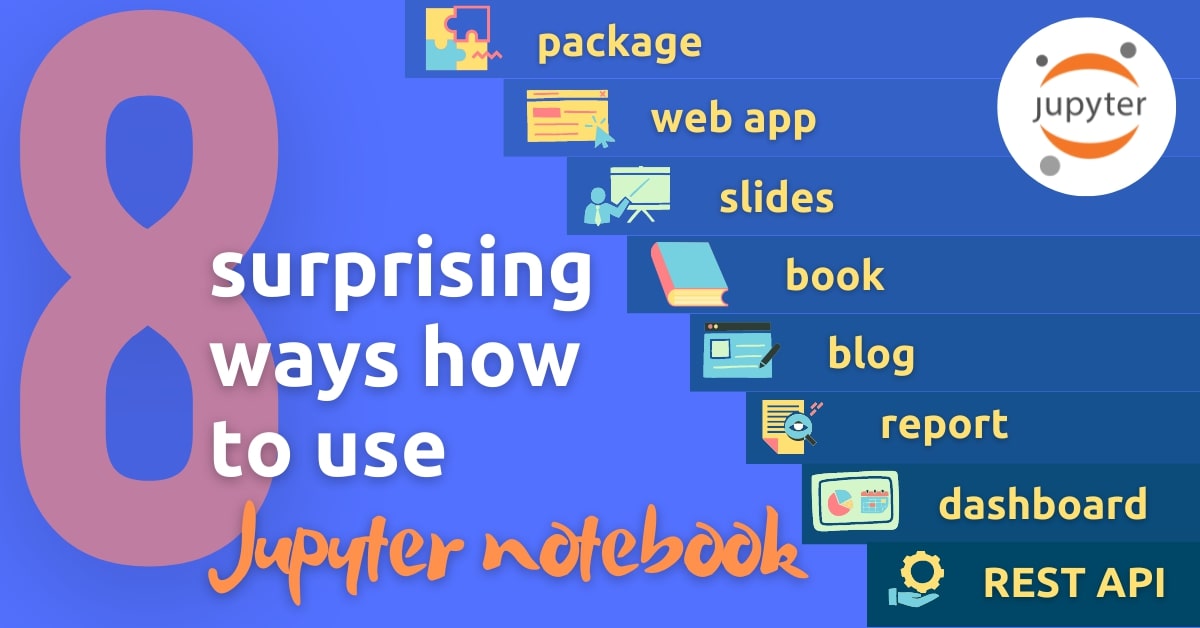
Explore the Jupyter Notebook beyond its traditional use. Discover 8 alternative ways to utilize this versatile tool, making it even more powerful for coding, experimentation, and collaboration.

Compare 7 ways to run Jupyter Notebook online and choose the best option for collaboration, compute, and privacy needs.
Learn essential Jupyter Notebook keyboard shortcuts for Windows, Mac, and Linux, and improve daily notebook productivity.

Learn how to create a private fork of the Mercury framework repository for personalized web app deployments. Explore the options available with the open-source and commercial-friendly licenses.
Learn what the .ipynb file extension contains, how Jupyter notebooks are structured, and how to open or convert notebook files.

Compare two approaches to Jupyter Notebook widgets with practical examples using ipywidgets, Voila, and Mercury.
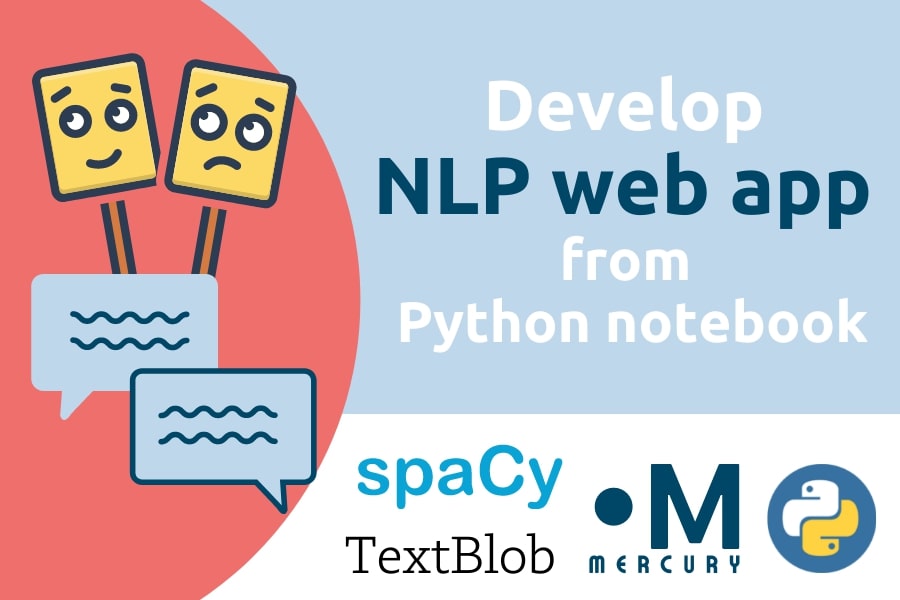
Learn how to build an NLP web app from a Python notebook, from text processing to interactive app deployment.
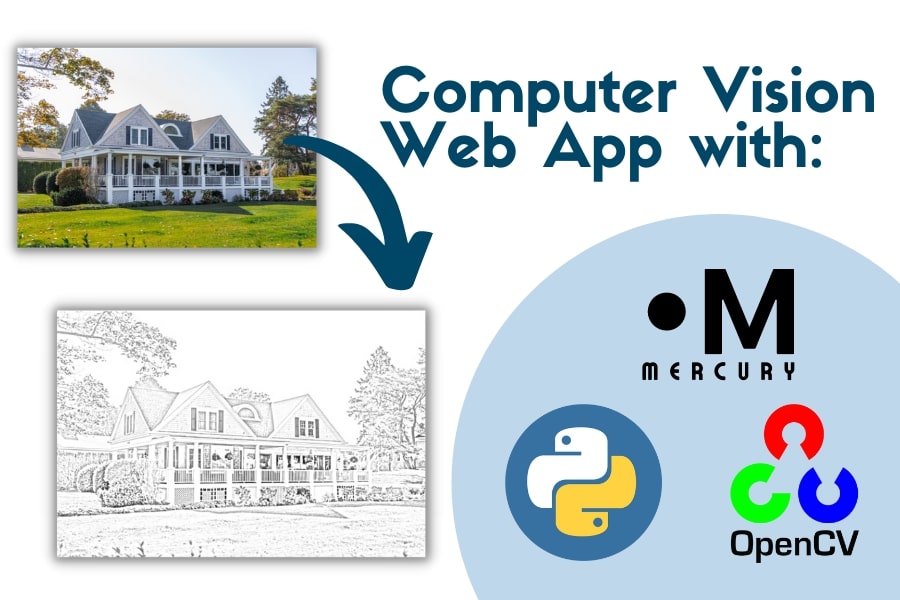
Computer Vision methods offer flexibility in image processing. This post demonstrates how to develop a web app for converting images into sketches using Jupyter, OpenCV, Mercury, and deploying.
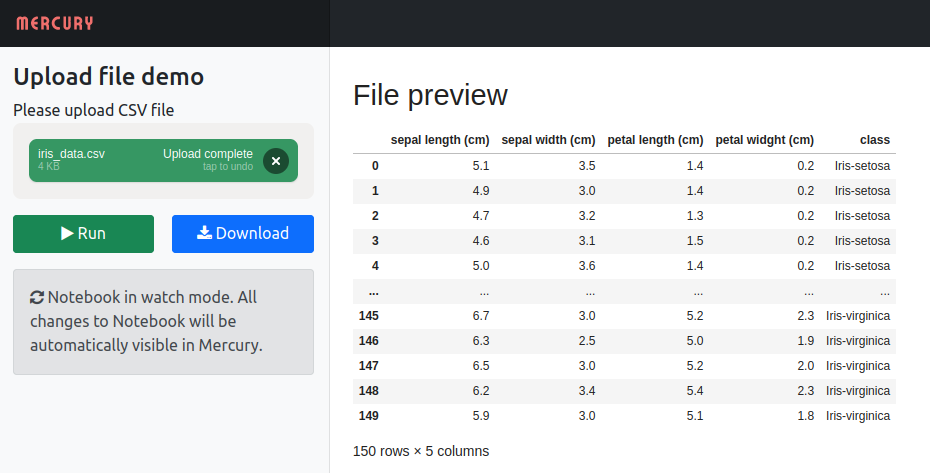
Enable file uploads in your Jupyter Notebook and share it as a web app with Mercury. Enhance collaboration by allowing coworkers to upload files for processing.
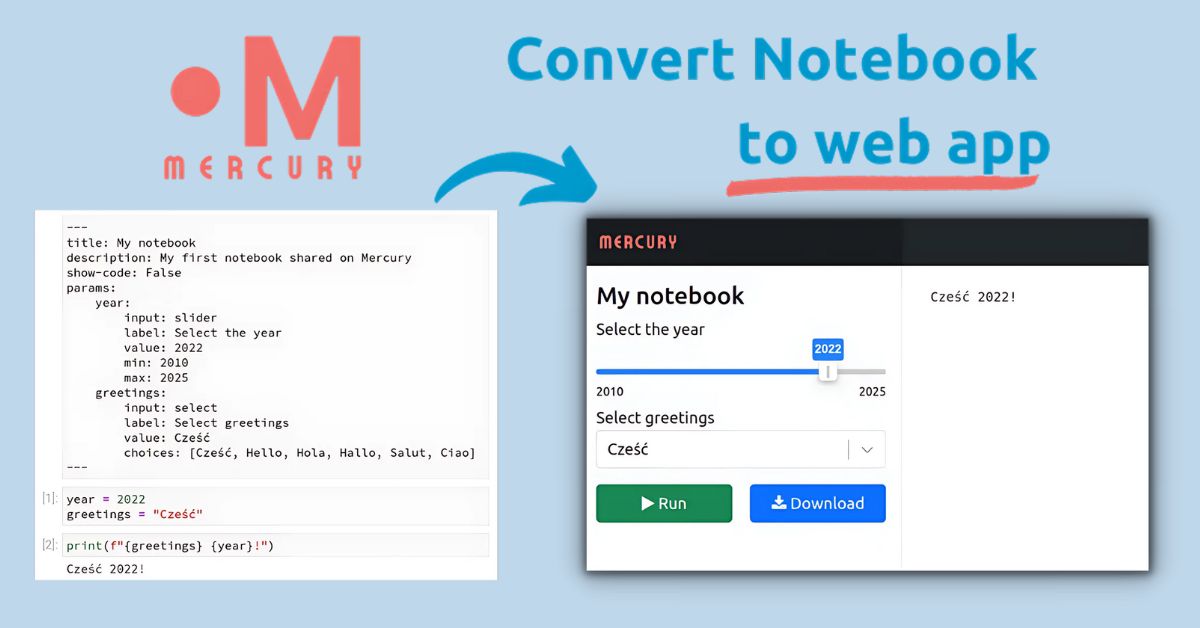
Easily share your Jupyter notebook as an interactive web app with the Mercury framework. Provide a user-friendly interface and hide code to make it accessible for non-programmers.