| Primary workflow | Local data science workspace: Python notebooks, AI-assisted analysis, AutoLab experiments, and Mercury app publishing. | AI-native VS Code-based editor focused on code completions, project-wide chat, and agent-style editing across software codebases. |
| Execution environment | Local desktop application where data and code run on your machine and notebooks stay local. | Desktop editor running locally, while AI requests are routed through Cursor backend services for model access and prompt assembly. |
| Privacy model | Local-first by default; data stays on your machine, and AI requests go only to your configured provider or Local LLM setup. | Privacy Mode and related controls improve handling for sensitive code, but code and context still leave the local environment to reach cloud-backed AI services. |
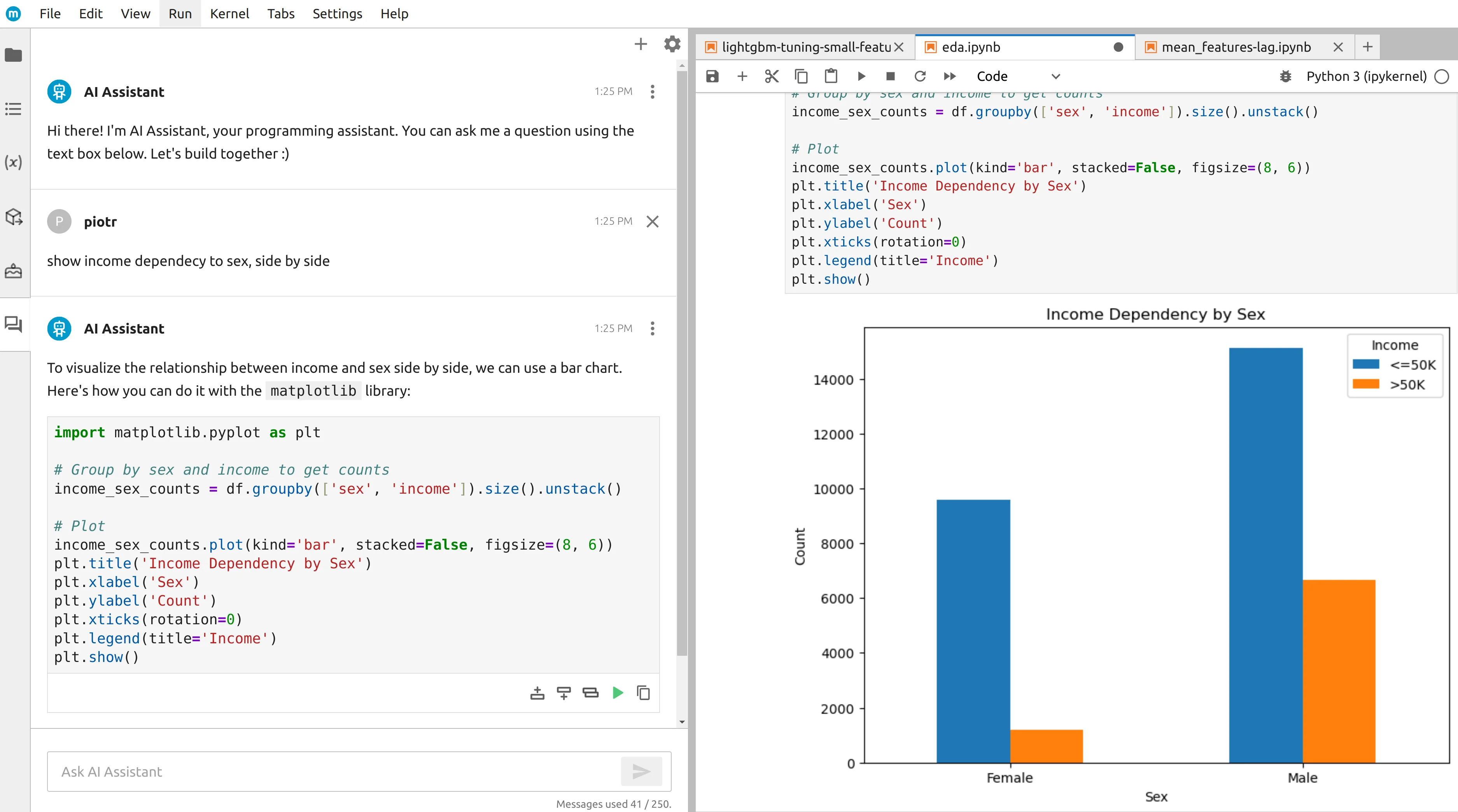
| Python notebook support | Core environment: standard .ipynb notebooks with AI-generated code in editable cells and notebook workflows at the center. | Notebook support is available inside the editor, but it is layered onto a general software development environment rather than being the main product workflow. |
| AI assistance model | Integrated notebook assistant generating analysis code in cells with support for your own keys, Local LLMs, or MLJAR AI. | Inline completions, codebase-aware chat, and agent-style edits across projects, with hosted-model access and BYOK options depending on setup. |
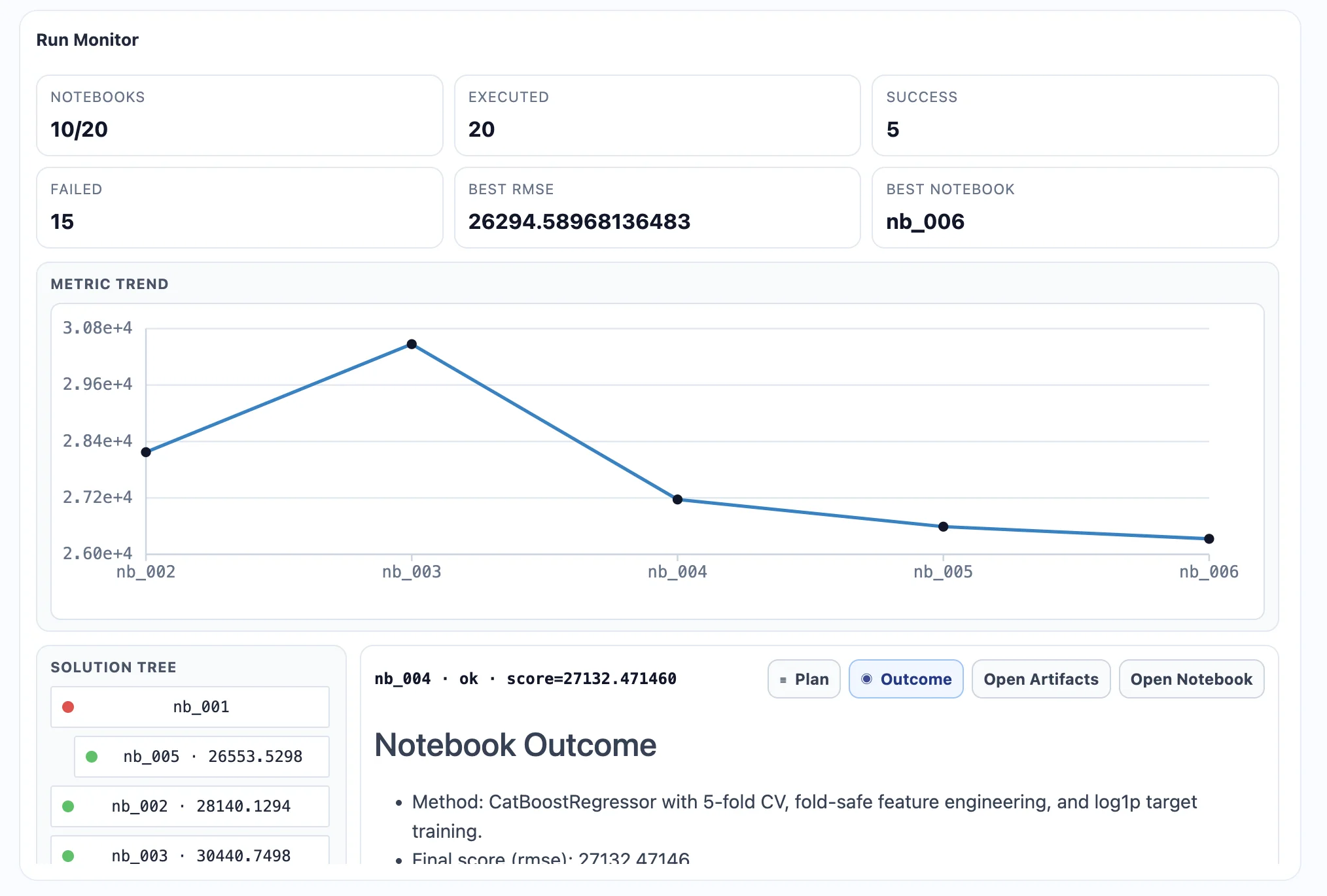
| ML experimentation | AutoLab runs autonomous experiments locally with feature search, pipeline comparison, and performance optimization. | Can generate ML code on request, but there is no built-in autonomous pipeline search or experiment engine. |
| Sharing results | Mercury publishes notebooks as interactive web apps, and .ipynb files remain portable. | Code can be shared through Git workflows, but there is no built-in notebook-to-app publishing path for analysis results. |
| Reproducibility | Persistent local notebooks with visible and editable AI-generated code create a documented, reproducible analysis workflow. | Code written with Cursor can be saved normally in project files, but there is no dedicated notebook reproducibility workflow built into the product itself. |
| Best fit user | Data scientists and analysts who need a dedicated local workspace for exploration, ML experimentation, and interactive result sharing. | Software developers and engineers who want AI assistance across large codebases, with Python and notebook support available when needed. |
| Pricing model | Free, Pro, and Business hosted plans, plus a separate $199 perpetual license with one year of updates for Local LLMs and your own provider keys. | Free and paid plans with usage-shaped allowances, where cost and limits vary by tier, model access, and how the editor is used. |