

Learn AutoML step by step
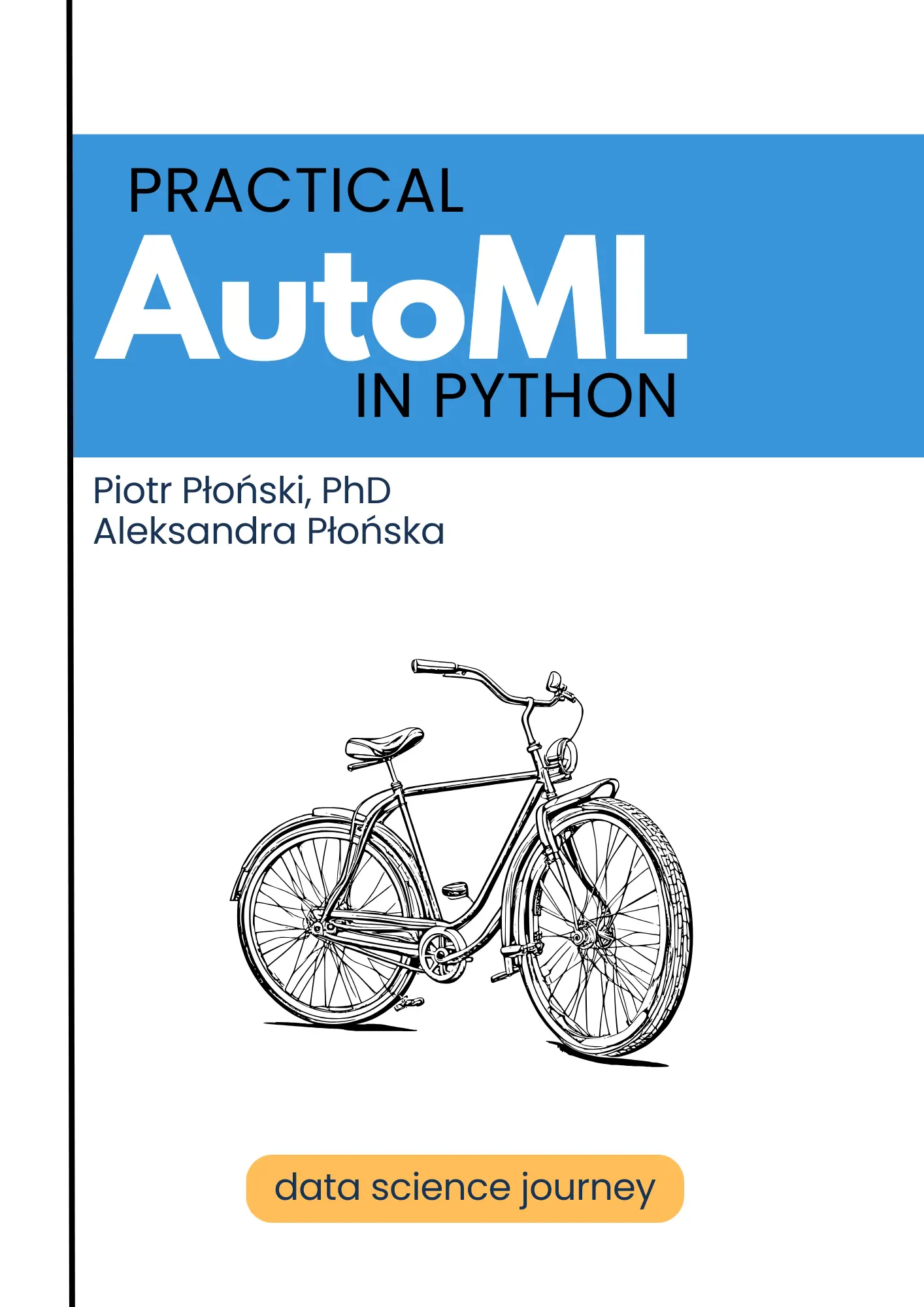
Practical AutoML with Python
A simple guide to understanding your data and building useful machine learning models
By Aleksandra Płońska and Piotr Płoński
Learn how to analyze your data and build machine learning models with Python and MLJAR AutoML. Clear explanations and real examples will guide you from your first dataset to a useful application.
- No machine learning experience needed
- 54 short, focused chapters
- Examples with real datasets
- Free to read online
Practical AutoML with Python will help you understand your data and use it to answer real questions. You will learn one step at a time, with simple explanations and practical examples.
You do not need to be a programmer or a machine learning expert. If you know your field and have data to explore, this book will help you get started.
What this book will help you do
- Understand the basic ideas behind machine learning
- Prepare and explore real datasets
- Build models for numbers, groups, and probabilities
- Understand model results and explain predictions
- Share a trained model through a simple web application
Learn at your own pace
The book has 54 short chapters. Each chapter explains one idea, so you can learn without feeling overwhelmed. Start at the beginning if data science is new to you, or choose a topic from the chapter list if you already know the basics.
Free to read online
We will publish new chapters here as they are ready. The complete book will stay free to read online. We also plan to create a print edition for readers who prefer a physical book.
Is this book for you?
- You have data and want to find useful answers in it.
- You are a researcher, analyst, domain expert, student, or business user.
- You are new to Python or machine learning and want clear, practical guidance.
What will you learn?
- Prepare your data and train prediction models with MLJAR AutoML.
- Understand model scores, reports, mistakes, and explanations.
- Use models responsibly and turn your work into an application you can share.
About the authors

Piotr Płoński
Piotr Płoński is a software engineer and data scientist with a PhD in computer science. He has experience in both academia—working on neutrino experiments at leading research labs and collaborating on interdisciplinary projects—and in industry, supporting major clients at Netezza, IBM, and iQor. In 2016, he founded MLJAR to make data science easier and more accessible, creating tools like AutoML, Mercury, and MLJAR Studio.
Your learning path
All 54 chapters
Start with simple ideas and move forward one step at a time. The first previews are online, and new chapters will be added as they are ready.
Part 1 — Introduction
Understand the essential ideas before building your first model.
What machine learning is, what a model is, what features and targets are, and why ML is useful for domain experts.
- 2. Why AutoML?Preview
Why manual machine learning is hard, what AutoML automates, and what still needs human thinking.
Classification, regression, probabilities, numeric predictions, and real-world examples.
- 4. Who This Book Is ForPreview
Domain experts, researchers, analysts, doctors, HR specialists, marketers, engineers, students, and business users.
Part 2 — Tools and Setup
Set up a comfortable Python workspace for the examples in this book.
- 5. Python Without FearPreview
A simple explanation of Python as a tool for data and machine learning.
Different ways to work with Python: scripts, notebooks, and MLJAR Studio.
- 7. Installing MLJAR AutoMLPlanned
How to install everything needed to run the examples.
- 8. Your First Project FolderPlanned
How to organize datasets, notebooks, reports, and trained models.
Part 3 — Data for Machine Learning
Learn how tabular datasets are organized, split, and checked.
- 9. Rows, Columns, Features, and TargetPlanned
How tabular data works and how to select input columns and the target column.
- 10. Meet the DatasetsPlanned
Adult Income, Employee Attrition, House Prices, Insurance, Bank Marketing, and Wine.
- 11. Train and Test DataPlanned
Why we need to test models on data that was not used during training.
- 12. Common Data ProblemsPlanned
Missing values, categorical columns, duplicated rows, wrong data types, and data leakage.
Part 4 — First AutoML Models
Train a model, understand its results, and use it for predictions.
- 13. Your First AutoML ModelPlanned
Train the first MLJAR AutoML model with the Insurance dataset.
- 14. Reading the AutoML ResultsPlanned
Understand the leaderboard, best model, metrics, and output folder.
- 15. Making PredictionsPlanned
Use a trained model to make predictions for new data.
- 16. Saving and Loading ModelsPlanned
Save a model and use it again later.
Part 5 — Learning Projects
Practice regression and classification with six real-world datasets.
- 17. Insurance Charges: First Regression ModelPlanned
Regression project with MAE, RMSE, and R².
- 18. House Prices: Regression with More FeaturesPlanned
A more realistic regression project with many input columns.
- 19. Adult Income: First Classification ModelPlanned
Binary classification, probabilities, accuracy, and AUC.
- 20. Employee Attrition: Business ClassificationPlanned
HR example with model interpretation and responsible use.
- 21. Bank Marketing: Imbalanced ClassificationPlanned
Precision, recall, and choosing the right business metric.
- 22. Wine: Multiclass ClassificationPlanned
Classification with more than two possible classes.
Part 6 — Understanding AutoML Reports
Read model reports and understand how well a model works and why.
- 23. AutoML Output Folder ExplainedPlanned
What files MLJAR AutoML creates and what each file is for.
- 24. Leaderboard ExplainedPlanned
How to compare models and select the best one.
- 25. Metrics ExplainedPlanned
Accuracy, AUC, F1, MAE, RMSE, R², and when to use each metric.
- 26. Learning CurvesPlanned
How to check if the model is learning, overfitting, or not improving.
- 27. Feature ImportancePlanned
How to understand which columns are most important.
- 28. SHAP ExplanationsPlanned
How to explain individual predictions.
- 29. Confusion Matrix and Classification ReportsPlanned
How to understand classification mistakes.
- 30. Regression Error AnalysisPlanned
How to understand prediction errors in regression problems.
Part 7 — MLJAR AutoML Modes
Choose the right balance between explanation, speed, and model performance.
- 31. Explain ModePlanned
Best mode for learning, understanding data, and generating explanations.
- 32. Perform ModePlanned
Best mode for practical use when we want strong models.
- 33. Compete ModePlanned
Best mode when we want the best possible score and have more time.
- 34. Optuna ModePlanned
Advanced mode for deeper hyperparameter tuning.
- 35. Which Mode Should You Use?Planned
A practical guide for choosing the right mode.
Part 8 — Tuning MLJAR AutoML
Adjust training time, algorithms, validation, and optimization settings.
- 36. Time BudgetPlanned
Control training time with total_time_limit and model_time_limit.
- 37. Choosing AlgorithmsPlanned
Select which models AutoML should train.
- 38. Ensembles and StackingPlanned
How combining models can improve prediction quality.
- 39. Random Starts and Hill ClimbingPlanned
How MLJAR AutoML searches for better model settings.
- 40. Feature EngineeringPlanned
What feature engineering MLJAR AutoML can do automatically.
- 41. Custom MetricsPlanned
Optimize the model for your own business or research metric.
- 42. Custom Validation StrategyPlanned
Use train/test split, cross-validation, and custom validation settings.
Part 9 — Responsible AutoML
Recognize leakage and unfairness, and keep people involved in important decisions.
- 43. Data LeakagePlanned
One of the most important ML mistakes and how to avoid it.
- 44. Fairness in Machine LearningPlanned
Why models can be unfair and why domain experts should care.
- 45. Fairness Report with MLJAR AutoMLPlanned
How to check model fairness with sensitive features.
- 46. Human Decisions and Model PredictionsPlanned
Why machine learning should support people, not blindly replace them.
Part 10 — From Model to Application
Turn a trained model into a tool that other people can use.
- 47. Batch PredictionsPlanned
Make predictions for many rows from a CSV file.
- 48. Single PredictionPlanned
Make one prediction for one person, house, customer, or case.
- 49. Build a Web App for Your ModelPlanned
Create a web app for a trained MLJAR AutoML model.
- 50. Share the Model with OthersPlanned
Let other people use the model without Python.
- 51. From Notebook to Practical ToolPlanned
Move from experiment to something useful for a team, company, or research project.
Part 11 — Next Steps
Review your workflow and choose where to continue your data science journey.
- 52. Common AutoML MistakesPlanned
Wrong target, leakage, bad validation, wrong metric, and blind trust in model results.
- 53. AutoML Project ChecklistPlanned
A checklist to use before trusting or sharing a model.
- 54. What to Learn NextPlanned
APIs, databases, monitoring, retraining, time series, text, and production deployment.
Back Matter
Sources for the research, tools, and examples discussed in the book.
- Notes & SourcesPreview
References organized by chapter, with links to papers and official project pages.
New chapter notifications
Would you like to follow the book as it grows?
Subscribe through a short Google Form and we'll let you know when a new chapter is ready.