
Complete Guide to Offline Data Analysis 2026
Quick answer: Offline data analysis keeps data on your own machine for better privacy, compliance, and control. This guide explains how to build secure local AI workflows.
1. Complete Guide to Offline Data Analysis (2026)
For years, the default assumption in data science has been simple:
data lives in the cloud.
But if you’ve ever worked with real data — not Kaggle datasets, but internal company data — you know that this assumption breaks very quickly.
The first real question is not:
Which model should we use?
It’s:
Can we even upload this dataset?
That’s where offline data analysis becomes not just relevant, but often the most practical option.
2. What Is Offline Data Analysis?
Offline data analysis means working with data locally, without sending it to external systems. In practice, it’s simple:
- your dataset stays on your machine
- computation runs locally
- no API calls with sensitive data
Offline data analysis refers to analyzing data locally without transmitting it to external servers or cloud platforms.
That definition might sound obvious — but it has important consequences. Because in many real-world projects, the biggest risk is not model performance. It’s uncontrolled data exposure.
3. The Problem with “Everything in the Cloud”
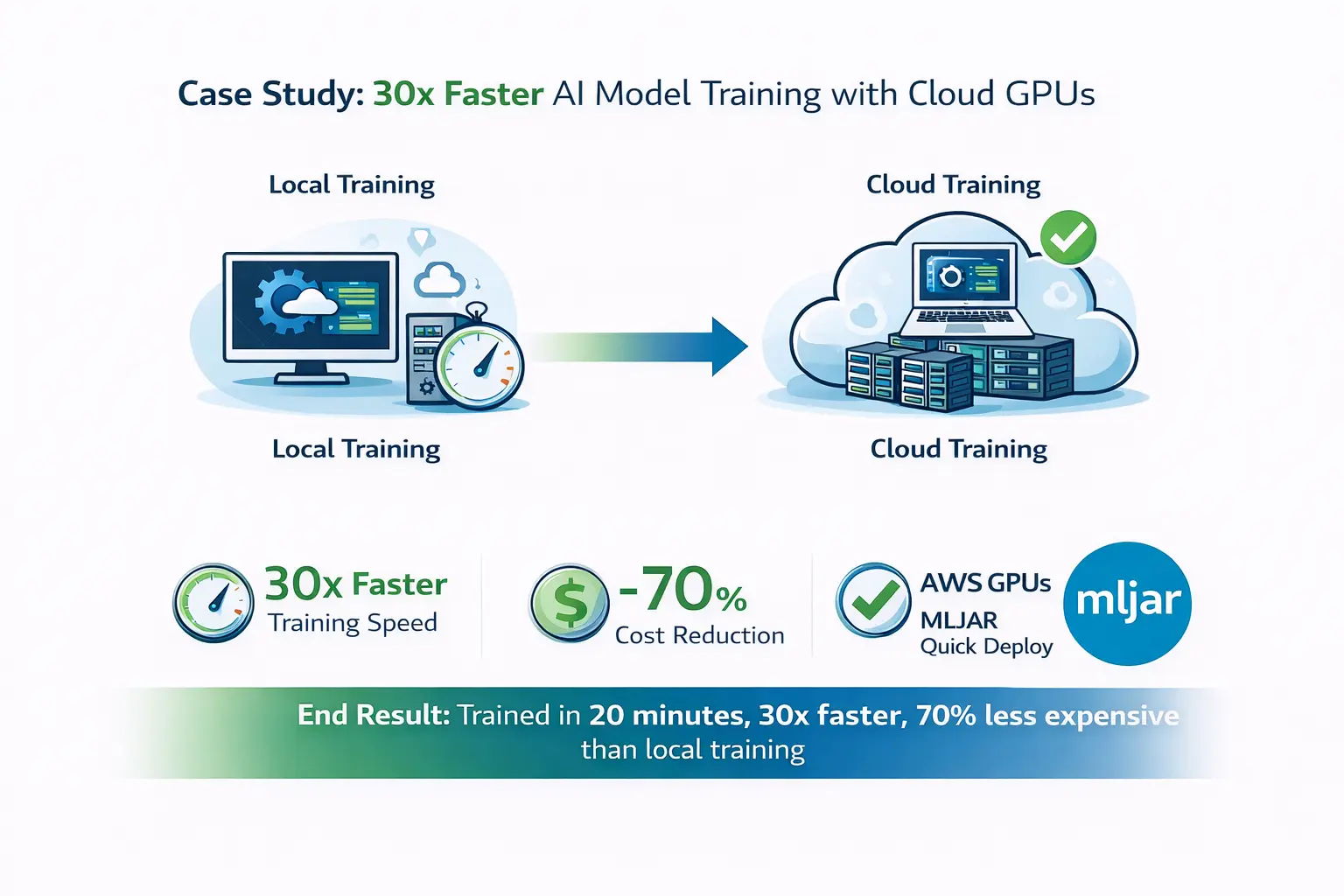
Cloud platforms like AWS, Google Cloud, or Azure are powerful. No debate there. But they quietly introduce friction that rarely shows up in tutorials. Moving data becomes a task on its own. Uploading, syncing, versioning — all of it takes time and money. And once your dataset grows, you start noticing things like egress costs and latency. Debugging is another story. When something breaks in a distributed system, it rarely fails cleanly. Logs are scattered, environments drift, and reproducing results becomes harder than it should be. And then there’s the uncomfortable part: data exposure. Even in well-configured systems, data can leak in places you don’t expect — logs, temporary storage, API calls, integrations. Add LLM APIs to the mix, and suddenly parts of your workflow are happening somewhere you don’t fully control.
4. How to Do Offline Data Analysis (Step by Step)
Let’s make this concrete. A typical offline workflow looks like this:
- Load your data locally Use formats like Parquet or CSV stored on disk.
- Explore the data Work with pandas or similar tools to understand distributions, missing values, and relationships.
- Build features Create transformations directly in your local environment.
- Train models Use libraries like LightGBM or scikit-learn.
- Evaluate and iterate Everything happens locally, so iteration is fast and reproducible.
- (Optional) Use AI assistance A private LLM can help generate code or explain results — without sending data outside.
This workflow covers a surprisingly large number of real-world use cases.
5. What an Offline Data Stack Looks Like
Under the hood, offline data analysis is just a clean, minimal stack. Storage is typically local: Parquet files, CSVs, or lightweight databases like SQLite or DuckDB. Computation happens on your own machine — CPU for most tasks, GPU if needed. The environment is usually a notebook or a desktop IDE, which keeps everything reproducible. And increasingly, there’s an AI layer: a local LLM that helps with coding, exploration, and interpretation. This setup is simple, but that’s exactly why it works.
6. Best Tools for Offline Data Analysis
You don’t need a complex infrastructure to work offline. A typical toolkit includes:
- Python,
- pandas for data manipulation,
- scikit-learn / LightGBM for modeling,
- Jupyter or a desktop IDE.
And this is where tools like MLJAR Studio come in. MLJAR Studio provides a local environment where you can:
- analyze datasets,
- train machine learning models,
- run experiments,
- use AI assistants.
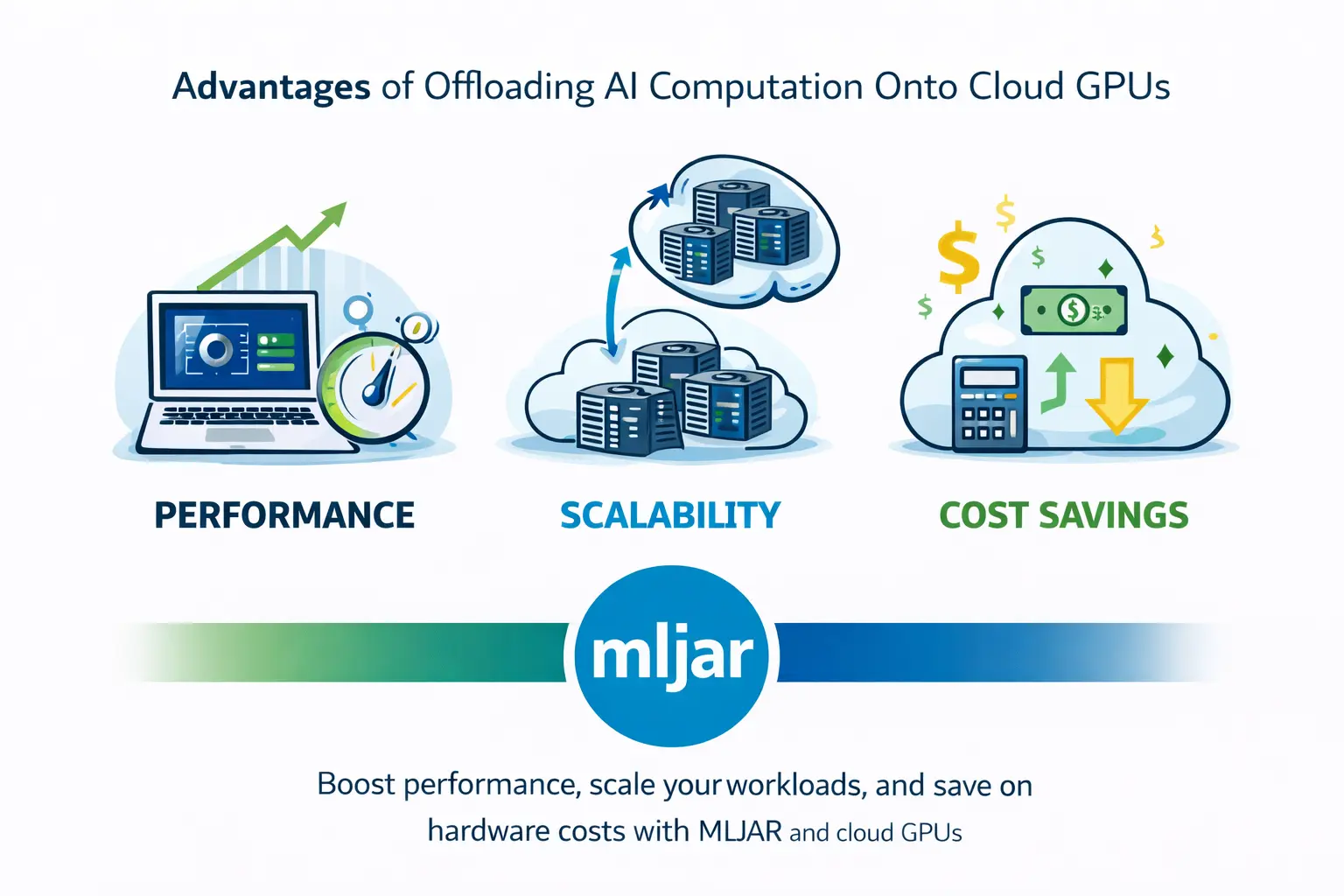
The key difference is that everything can run locally, including private LLMs, so your data never needs to leave your machine. At the same time, you’re not locked into local-only workflows. If you need more compute, you can still connect to cloud resources. That combination — local by default, cloud when needed — is what makes the workflow practical.
7. When Offline Data Analysis Wins?
Offline workflows are not always better, but there are situations where they clearly win. If your data is sensitive, local processing is often the safest option. If your dataset is moderate in size (which most are), local computation is usually fast enough. If you are iterating on models, working locally reduces friction and speeds things up. In short: offline works best when control matters more than scale.
8. Private LLMs vs Cloud AI
This is where things get interesting. Most AI tools today rely on APIs. You send a prompt, and somewhere else a model processes it. That’s fine — until your prompt contains real data. Private LLMs change the rules. When the model runs locally:
- no prompts leave your machine,
- no data is logged externally,
- costs are predictable,
- latency is often lower for small tasks.
The trade-off is performance — local models are usually weaker than top-tier cloud models. But for many workflows, the privacy benefits outweigh that.
9. Is Offline Data Analysis More Secure Than Cloud?
In many cases, yes — but not automatically. Offline workflows reduce exposure because data is not transmitted over networks. That alone eliminates a large class of risks. However, security still depends on how the local environment is managed. The key advantage is control. When everything runs locally, you decide:
- who has access?
- where data is stored?
- how it is processed?
That’s fundamentally different from relying on external infrastructure.
10. The Real Question Isn’t Offline vs Cloud
Framing this as a binary choice misses the point. The real question is:
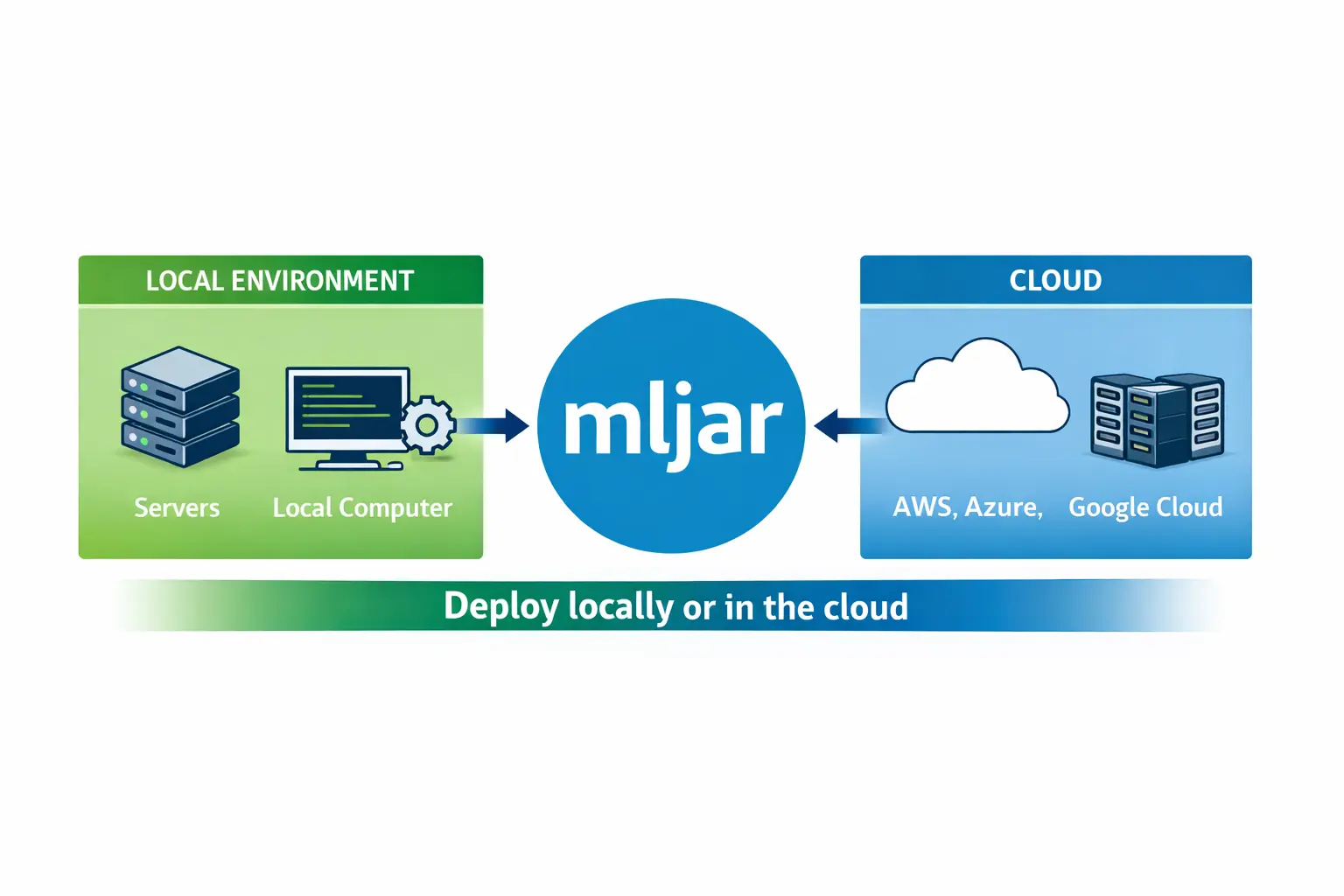
When should your data move, and when should it stay where it is?
A practical approach looks like this:
- keep sensitive data local,
- experiment locally,
- use cloud only when scale is required.
This hybrid model is already becoming the default in many teams.
Final Thoughts
Offline data analysis is not about rejecting the cloud. It’s about using it more deliberately. Most workflows don’t need massive infrastructure from the start. They need speed, control, and safety. And those are things local environments provide very well. With tools like MLJAR Studio, you don’t have to choose between modern machine learning and data privacy. You can start locally, stay local when it makes sense, and scale when you actually need to. That’s a much more realistic way to work with data.
About the Author

Related Articles
- Machine Learning Basics: Beginner’s Guide 2026
- Machine Learning vs AI vs Data Science: What’s the Difference? (Complete Guide)
- AI Ethics and Responsible Data Science: Building Fair and Private Machine Learning Systems
- Local vs Cloud Data Processing: Security, Privacy, and Private AI Workflows
- AutoResearch by Karpathy and the Future of Autonomous AI Research
- Data Analysis Software for Pharmaceutical Research
- AI Coding Assistants for Data Science: Complete 2026 Comparison
- Machine Learning for Humans and LLMs: Structured AutoML Reports in Python
- AI in Healthcare without breaking HIPAA (MLJAR Studio guide)
- Reimagine Python Notebooks in the AI Era
Private AI data analysis
AI Data Analyst on Your Computer
Use MLJAR Studio to explore data, discover insights, and create reports with AI.
Runs locally · Your data stays private